
How to Detect Fake Google Play Store Warnings
Pop-ups warn that your device is infected and urge you to install apps.

Pop-ups warn that your device is infected and urge you to install apps.
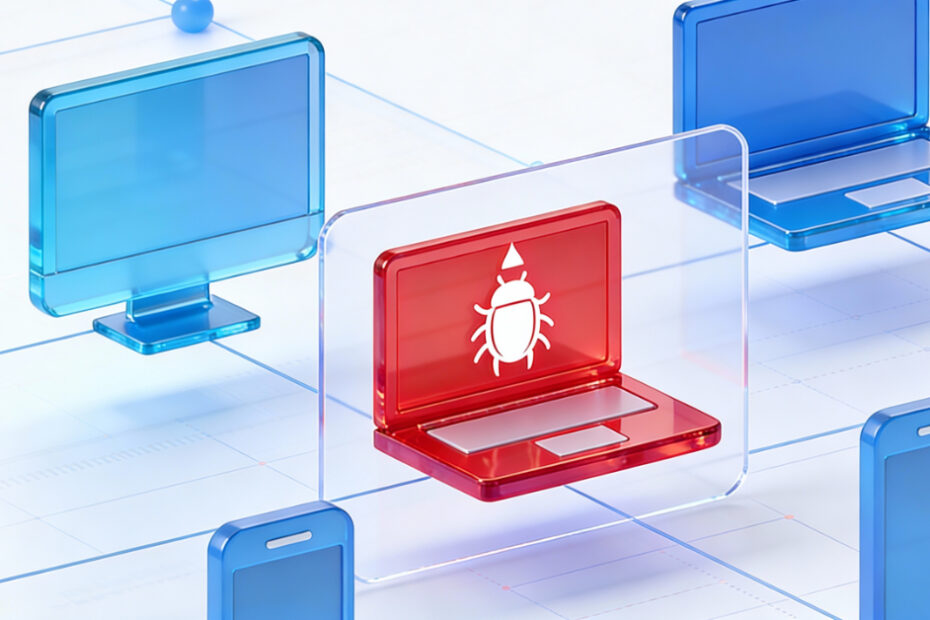
Spyware secretly monitors calls, messages, and location.

Sideloading APKs increases risk of malware and data theft.

Malware accesses contacts, SMS, photos, and credentials.
Fake QR codes redirect users to phishing sites or install malicious apps.

After a system update, some apps disappear from the home screen or app drawer.

Camera photos appear blurry or fail to auto-focus.
Built-in or third-party screen recorder fails to start or saves no video.
USB tethering does not share PC internet to Android phone.
Voicemail notifications missing or voicemail cannot be accessed.