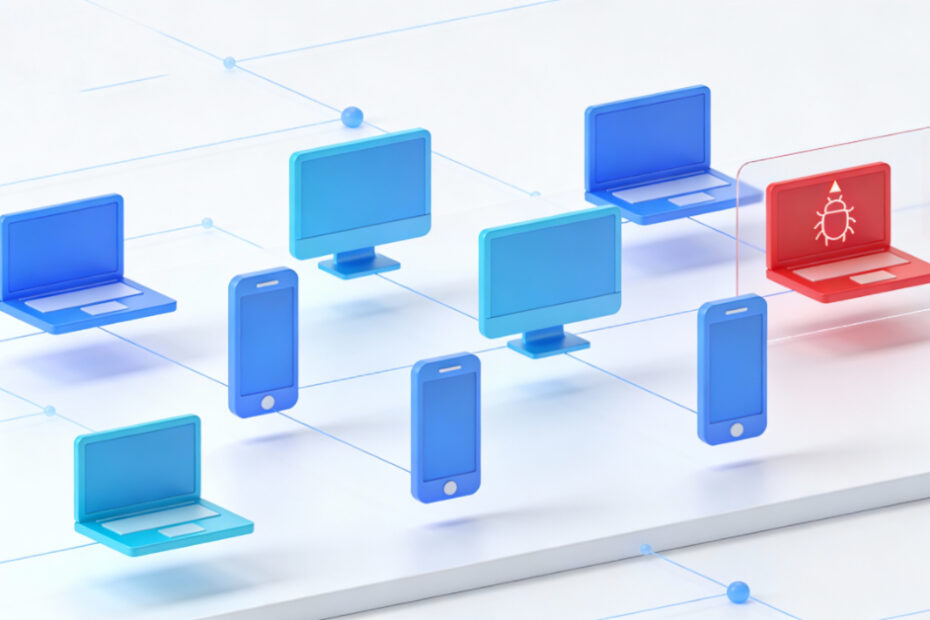
How to Prevent Data Theft on Shared Windows PCs
Shared PCs expose personal data if user accounts and permissions are not separated.

Shared PCs expose personal data if user accounts and permissions are not separated.

New laptops often come with unnecessary preinstalled software that slows performance and consumes storage.
Copying or transferring files takes unusually long, even between local drives or over a network.

Permission errors block access to files or folders even when logged in as administrator.
Corrupt Boot Configuration Data (BCD) can prevent Windows from starting properly.

VPN setup errors can prevent secure connections or block internet access.

Apps may fail to download, install, or update through Microsoft Store.
Testing unknown software directly on Windows can introduce security risks.
Remote work setups may suffer from performance, security, or connectivity issues.
Email and account settings can be lost during PC replacement if not migrated correctly.