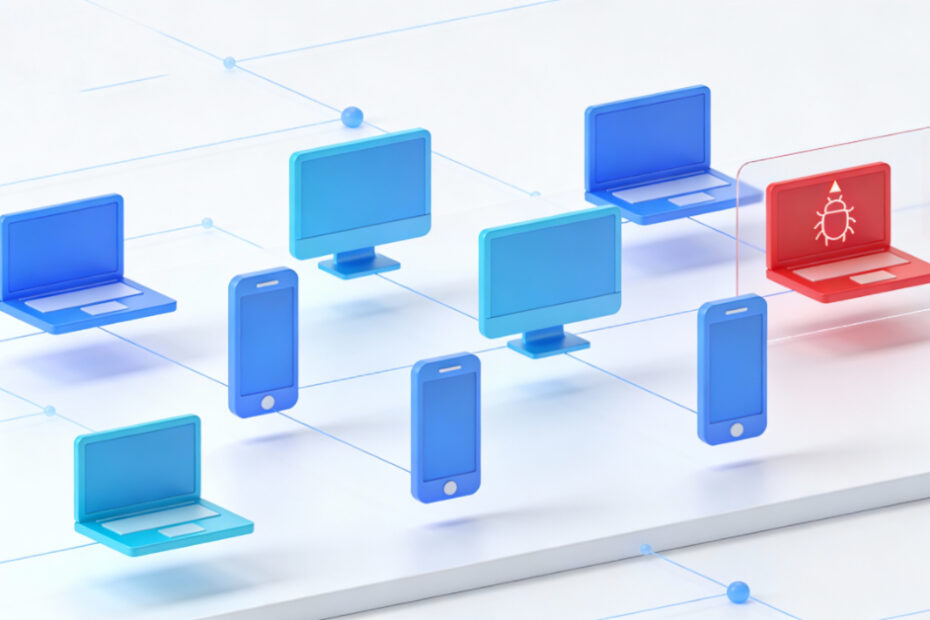
How to Prevent Data Theft on Shared Windows PCs
Shared PCs expose personal data if user accounts and permissions are not separated.

Shared PCs expose personal data if user accounts and permissions are not separated.
Malicious USB drives can install malware or steal data automatically.
Scam websites imitate legitimate services to steal credentials or install malware.
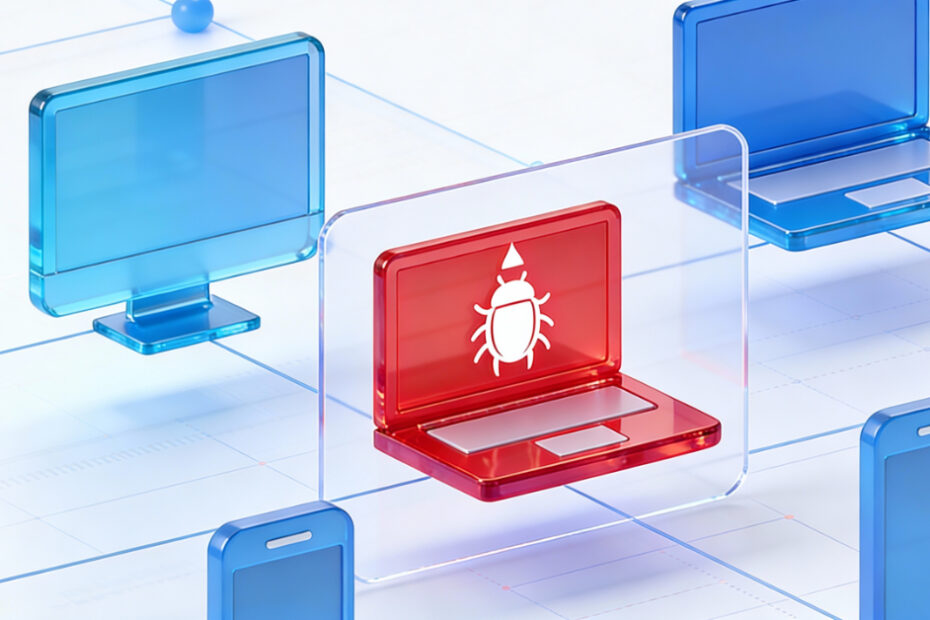
Fake update pop-ups trick users into installing malware disguised as system updates.

Unauthorized access can occur if Windows accounts, sign-in options, or physical access controls are not secured properly.
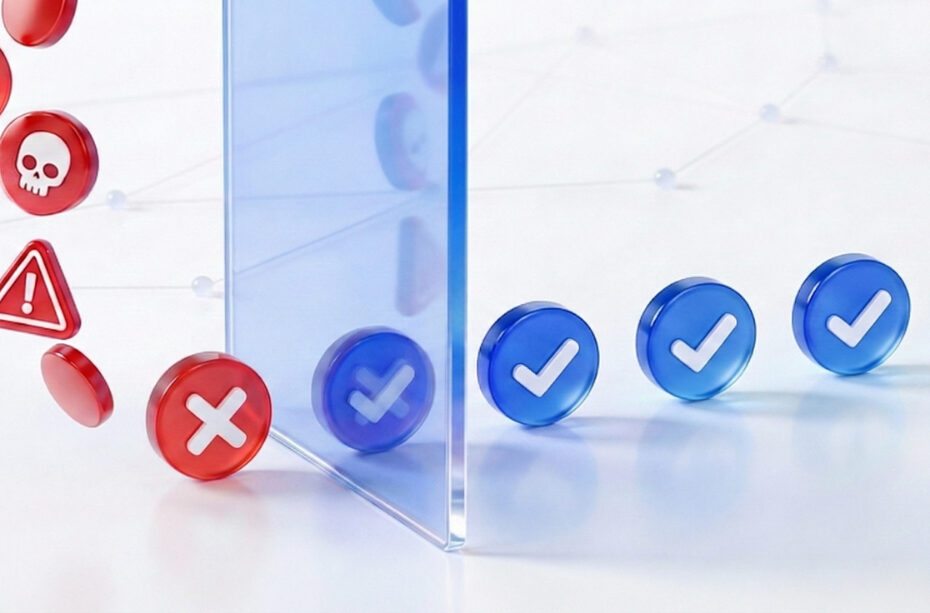
Email phishing is one of the most common entry points for scams and malware.

Credential theft allows attackers to steal usernames and passwords silently.
Malware is often disguised as free software, cracked apps, or fake updates.
Unauthorized login attempts can indicate compromised passwords or brute-force attacks.
Online banking on an unsecured Windows PC increases the risk of credential theft, fraud, and unauthorized transactions.